Home
Home
Why SafeShare.tv Remains the Top Choice for Distraction-Free Video Sharing

Digital content consumption in 2026 has reached an all-time high, but so has the noise surrounding it. For educators, parents, and corporate trainers, the primary challenge is no longer finding information, but filtering it. Platforms like YouTube and Vimeo are treasure troves of educational material, yet they are designed to maximize engagement through aggressive advertising, algorithm-driven suggestions, and often chaotic comment sections. This is where SafeShare.tv provides a necessary layer of mediation, ensuring that the focus remains entirely on the content rather than the clutter.
The evolution of safe video sharing
The necessity for tools like SafeShare.tv has evolved significantly over the last decade. In the early days of online video, the biggest concern was perhaps a stray inappropriate thumbnail. Today, the risks are more complex. Algorithms are optimized to pull viewers into "rabbit holes," which can be particularly disruptive in a classroom setting where time is limited and curriculum focus is paramount. SafeShare.tv acts as a protective wrapper, stripping away everything but the video itself.
By creating a "SafeView," users generate a unique, clean link. When a student or a colleague clicks this link, they aren't taken to a standard video page. Instead, they see a minimalist interface where the video takes center stage. There are no sidebars filled with trending music videos, no political advertisements, and no potentially toxic discussions in the comments. This environment is essential for maintaining the integrity of a learning session.
Core features that define SafeShare.tv in 2026
SafeShare.tv has stayed relevant by refining its toolset to match the needs of modern digital citizens. Its utility goes far beyond simple ad-blocking.
Precise video trimming and customization
Often, an educational video might be twenty minutes long, but only a specific three-minute segment is relevant to the lesson. SafeShare.tv allows users to set custom start and end times. This ensures that the audience's attention is captured exactly when it needs to be, preventing the "dead air" of searching for the right timestamp during a live presentation.
Advanced privacy and security protocols
Security is a cornerstone of the SafeShare.tv infrastructure. Operating on advanced cloud systems like Amazon Web Services (AWS), the platform utilizes multiple layers of encryption, including HTTPS and Transport Layer Security (TLS). This ensures that the data being shared is protected from unauthorized access. For schools and organizations that must comply with strict privacy regulations, these built-in safeguards are not just features—they are requirements.
Seamless integration with educational ecosystems
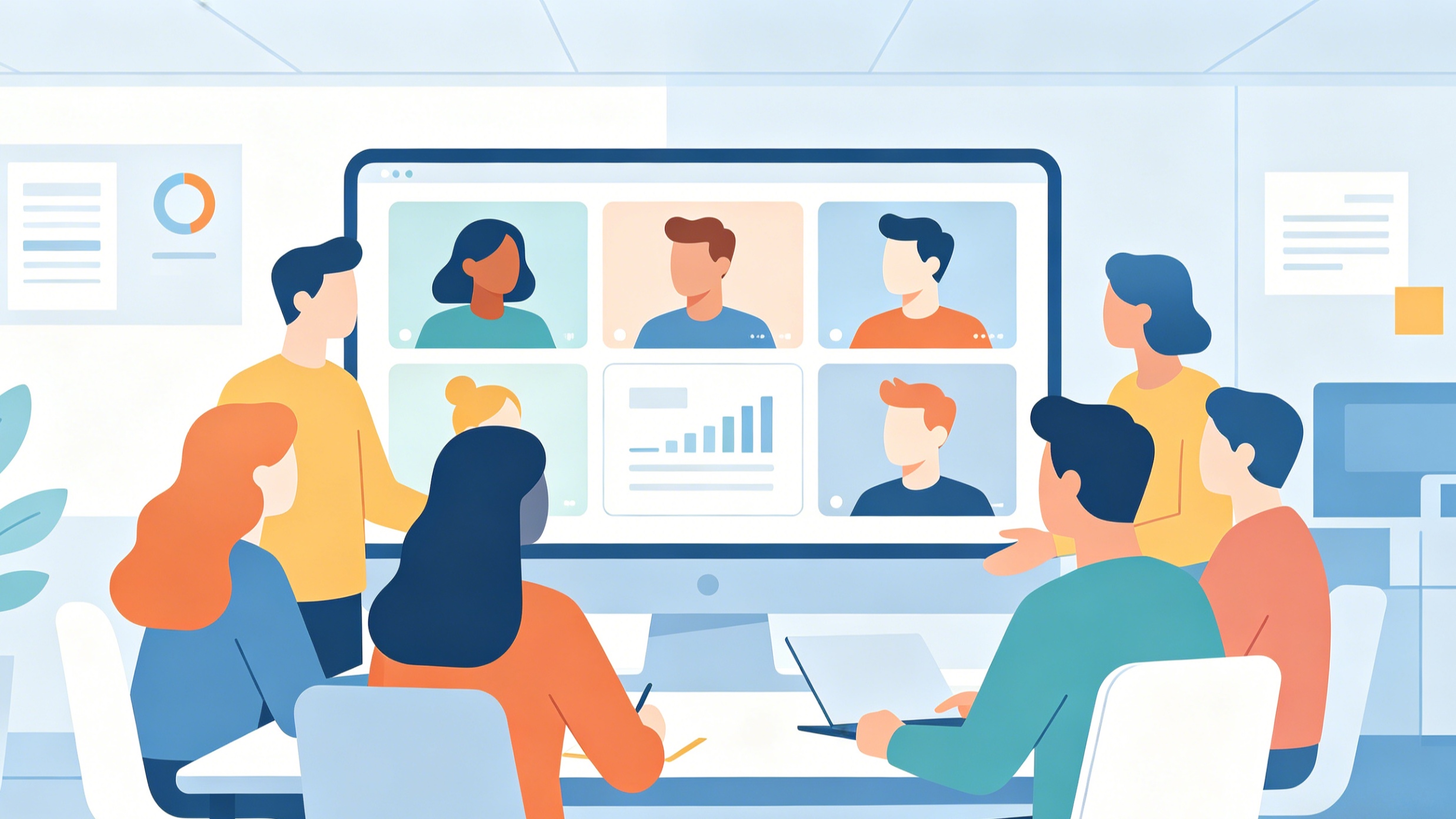
The platform integrates effortlessly with tools like Google Classroom and Microsoft Teams. Whether it's through a direct link, an embedded player, or a generated QR code, sharing a SafeView is designed to be frictionless. In 2026, where hybrid learning models are the standard, the ability to quickly distribute a clean video link across various channels is a major productivity booster.
The impact of distraction-free viewing on learning outcomes
Cognitive load theory suggests that our brains have a limited capacity for processing information. When a student is watching a video about photosynthesis but is simultaneously bombarded by flashing banner ads and recommendations for gaming videos, their cognitive load increases. This split attention reduces the efficiency of learning.
Using SafeShare.tv effectively reduces this extraneous cognitive load. By removing the "noise," the platform allows the learner to dedicate their full mental resources to the subject matter. Teachers have reported that students are more likely to stay on task and participate in meaningful discussions when the distractions are removed. This is particularly important for students with attention-related challenges who might find the standard YouTube interface overwhelming.
SafeShare.tv for the modern educator
Teachers are among the most frequent users of SafeShare.tv, and for good reason. Classroom management in a digital age involves managing the digital environment just as much as the physical one.
Creating a curated library
Through the customer portal, educators can organize their videos into playlists and circles. This allows for long-term curriculum planning. A science teacher can have a dedicated playlist for "Oceanography" and another for "Meteorology," all composed of safe, trimmed, and ad-free clips ready for deployment at a moment's notice.
Compliance with child safety laws
Laws such as COPPA (Children's Online Privacy Protection Act) and various global data protection regulations place heavy emphasis on protecting minors from tracking cookies and targeted advertising. Standard video platforms often use these trackers to build profiles of viewers. SafeShare.tv mitigates this risk by serving as a buffer, ensuring that the students' viewing habits aren't being monitored by third-party advertisers.
Parental controls and home use in 2026
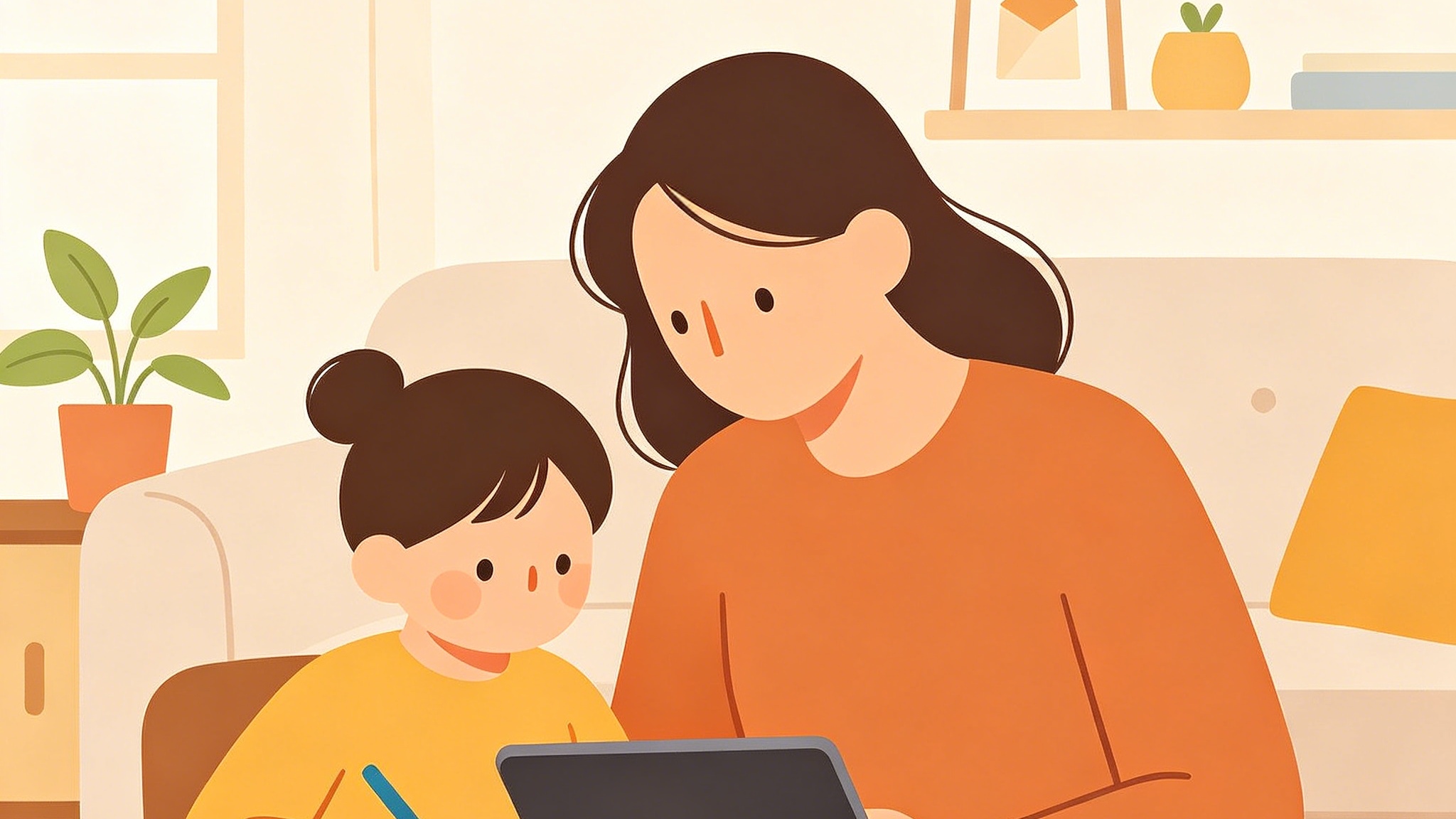
The boundary between school and home has blurred. Homework often involves watching supplementary videos, and parents are increasingly concerned about what their children might stumble upon.
SafeShare.tv allows parents to curate a safer digital space. Instead of letting a child browse the main YouTube app, a parent can send them a SafeShare link. This gives the child the autonomy to watch and learn while giving the parent the peace of mind that the child won't be exposed to inappropriate content or the addictive loops of the autoplay feature.
Beyond education: Corporate and professional utility
While its roots are in the classroom, SafeShare.tv has seen a surge in adoption within the professional world. Internal training, product demos, and shareholder updates often rely on video. Sharing a standard YouTube link in a professional newsletter can look unpolished if it leads to a page with unrelated comments or distracting ads.
Companies use SafeShare.tv to maintain brand professionalism. A clean, focused viewing page reflects well on the organization’s attention to detail and respect for the viewer’s time. Furthermore, the URL shortening feature makes it easier to include video links in printed materials or concise digital communications.
Security and data integrity
A common question regarding third-party video tools is the safety of the underlying data. SafeShare.tv has maintained an impressive track record of data security. Unlike many competitors that have suffered breaches over the years, the platform’s commitment to regular security audits and robust infrastructure has kept it a trusted name.
All data is stored in highly secure data centers with 24/7 monitoring. The use of end-to-end encryption for file transfers (in the platform's expanded file-sharing features) ensures that even if data were intercepted, it would remain unreadable. This level of technical rigor is what separates a professional tool from a temporary workaround.
Understanding the pricing models
SafeShare.tv operates on a freemium model, providing accessibility for individual users while offering advanced features for power users and institutions.
- The Free Plan: This allows users to create a limited number of SafeViews and playlists. It is an excellent starting point for a single teacher or a parent who needs the tool occasionally. Even the free version provides the core benefit of ad and comment removal.
- Premium Tiers: Starting at a competitive monthly rate (often around $4.99 in 2026), the premium plans unlock more storage, unlimited SafeViews, and advanced customization options like custom thumbnails and password protection. For schools or districts, per-seat pricing options are usually available to provide a comprehensive solution for all staff.
Setting up your first SafeView: A step-by-step approach
Getting started with SafeShare.tv is designed to be intuitive, requiring no deep technical knowledge.
- Source the Video: Find the video you wish to share on YouTube or Vimeo. Copy the URL from the address bar.
- Generate the Link: Paste the URL into the search bar on the SafeShare.tv homepage.
- Customize the Clip: Use the sliders to trim the video if necessary. You can also edit the title and description to better fit your specific context.
- Configure Settings: Decide whether you want the video to be password-protected or if you want to allow the audience to see the original video's transcript (if available).
- Share: Once you are satisfied, generate the SafeView link. You can then copy the URL, download a QR code, or share it directly to your integrated classroom management software.
Comparison with alternative methods
Some might argue that simply using a browser extension to block ads is sufficient. However, extensions are often device-specific and do not remove the suggested videos or comments as effectively as a server-side wrapper. Furthermore, an extension doesn't provide a sharable, shortened URL that works across all devices—including mobile phones and tablets—without any additional setup for the viewer.
Other platforms have tried to replicate the SafeShare model, but many lack the longevity and security reputation that SafeShare.tv has built since its inception. The platform's focus on "doing one thing exceptionally well" has prevented the feature creep that often ruins specialized tools.
Best practices for 2026 digital sharing
To get the most out of SafeShare.tv, consider the following strategies:
- Test Before Distributing: Always click your generated link in an incognito window to see exactly what your audience will see. This ensures that the trimming and privacy settings are perfect.
- Utilize Transcription: For accessibility and better comprehension, keep the transcript feature active. This allows viewers to read along, which is invaluable for language learners and those with hearing impairments.
- Curate, Don't Just Filter: Use the platform to build a narrative. Instead of sharing five separate links, group them into a themed playlist with descriptions that guide the viewer through the learning journey.
- Monitor Video Status: Remember that SafeShare.tv is a wrapper. If the original creator removes the video from YouTube or Vimeo, the SafeView link will also cease to function. It is a good practice to check your most important links at the start of each new term.
The future of the platform
As we look further into 2026 and beyond, we can expect SafeShare.tv to continue incorporating smarter filtering technologies. With the rise of AI-generated content, the ability to automatically detect and flag shifts in video tone or content will likely become a valuable addition. The platform's commitment to creating a "safe, happy" internet experience remains its guiding principle, adapting to new digital threats as they emerge.
In a world where attention is a currency, tools that protect our focus are more valuable than ever. SafeShare.tv provides that protection, allowing the power of video to be harnessed for education and professional growth without the baggage of the modern internet. Whether you are a teacher looking to regain control of your classroom or a professional seeking to present your work in the best possible light, the utility of a distraction-free environment cannot be overstated.
-
Topic: safesharetv - What is SafeShare.tv? A Comprehensive Guide to Safe Video Sharing for Educationhttps://qriteai.com/what-is-safeshare-tv-a-comprehensive-guide-to-safe-video-sharing-for-education/
-
Topic: SafeShare - Be safe, be happy. Go premium!https://safeshare.tv/your-security
-
Topic: SafeShare.tv: Secure Online File Sharing | Sugggesthttps://sugggest.com/software/safeshare-tv