Home
Home
Switching to Mode Professionnel Facebook on Your Profile
Facebook evolved significantly by 2026, blurring the lines between personal connection and digital entrepreneurship. The introduction and subsequent refinement of the professional mode for personal profiles changed how creators and small business owners interact with the platform. Instead of managing a separate business page, this feature allows individuals to unlock powerful tools directly on the profile they have spent years building. Moving to mode professionnel facebook is a strategic decision for anyone looking to measure their reach, build a public brand, and potentially earn revenue from their content.
Understanding the Professional Mode Framework
Professional mode acts as a functional layer that sits on top of a standard personal profile. It does not replace the profile but enhances it with features previously reserved only for business pages. When this mode is active, the profile retains its core identity—you still have friends, and your personal history remains intact—but it opens the door to a public-facing following.
One of the most significant shifts is the change in the "Follow" dynamic. On a standard profile, connections are reciprocal (friends). In professional mode, anyone can follow you to see your public updates, while your personal updates can still be restricted to your friends. This dual-layer visibility is essential for maintaining privacy while scaling a brand. The algorithm also begins to treat your public content similarly to how it treats page content, providing opportunities for wider distribution in the Feeds of people who do not yet follow you.
The Professional Dashboard and Analytics
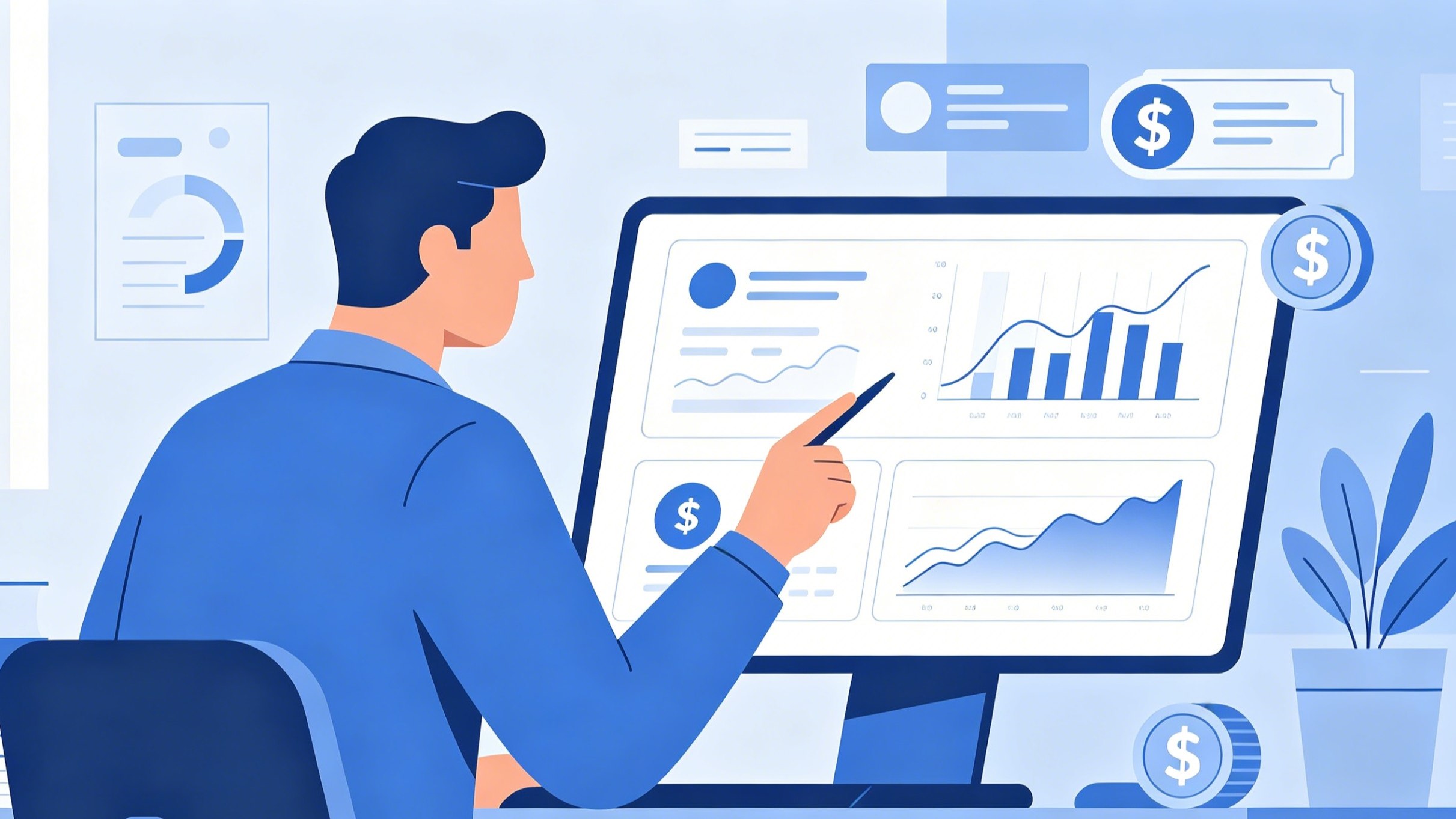
Access to data is the primary reason most users make the switch. Once mode professionnel facebook is enabled, a Professional Dashboard becomes available. This is the nerve center for monitoring performance. Unlike a standard profile where you only see likes and comments, the professional dashboard provides granular insights.
Reach and Engagement Metrics
Metrics are categorized into reach, engagement, and follower growth. Reach measures the number of unique accounts that saw your content at least once. This is vital for understanding your baseline visibility. Engagement includes likes, shares, comments, and other interactions. By analyzing these numbers, creators can identify which topics resonate most with their audience. For instance, if video content consistently shows higher share rates than image posts, the data suggests a pivot toward more video production is necessary.
Audience Demographics
Understanding who is watching is as important as knowing how many are watching. The insights section provides data on follower demographics, including age ranges, gender distribution, and top geographic locations. In the current 2026 landscape, localized content is increasingly valuable. Knowing that a significant portion of your audience resides in a specific region allows for more tailored communication and better alignment with local time zones for posting schedules.
Step-by-Step Activation of Mode Professionnel Facebook
Activating this mode is straightforward, but it requires a few prerequisite checks. Ensure your app is updated to the latest version to access the most recent security and monetization features.
Mobile Activation (iOS and Android)
- Open the Facebook application and navigate to your personal profile by tapping your profile icon.
- Locate the three-dot menu icon (...) usually situated next to the "Edit Profile" or "Add to Story" buttons.
- Scroll through the menu options to find "Turn on professional mode."
- A summary screen will appear detailing the benefits, such as getting paid for content and seeing content insights. Select "Turn on."
- Follow the "Finish setting up your profile" prompts. This typically involves adding a professional bio, selecting a category (e.g., Digital Creator, Journalist, or Artist), and ensuring your public details are accurate.
Desktop Activation
- Access your profile via a web browser.
- Click the three-dot menu on the profile header.
- Select "Turn on professional mode."
- Review the terms and confirm the activation.
Once activated, your profile category will appear under your name, signaling to visitors that this is a professional space. It is advisable to review your bio immediately. A professional bio should be concise, stating exactly what value you provide to your followers.
Monetization Pathways in 2026
Earning potential is a major driver for the adoption of mode professionnel facebook. The platform offers several native monetization tools, though each has its own eligibility criteria often based on follower count, engagement rates, and regional availability.
Reels Play Incentives
Short-form video remains a dominant format. The Reels Play program rewards creators based on the number of plays their public Reels receive. While the exact payout structures can fluctuate based on market demand, high-quality, original vertical video content is the standard requirement. Use trending audio and clear visuals to maximize the chances of appearing in the Reels discovery tab.
Stars and Virtual Gifting
Stars allow your audience to support you directly. During live broadcasts or on specific VOD (Video on Demand) content, viewers can purchase and send Stars. For every Star received, the platform pays the creator a set amount. This fosters a direct-to-fan economy that bypasses traditional advertising models. Building a community that feels connected to your journey is the best way to encourage Star participation.
In-Stream Ads
For longer-form video content, in-stream ads remain a reliable revenue source. These are short ads that play before, during, or after your videos. To qualify, you generally need to meet specific thresholds for followers and total minutes viewed over the past 60 days. The content must also adhere to strict Partner Monetization Policies, which forbid copyright infringement and sensationalist clickbait.
Subscriptions
Subscriptions allow you to offer exclusive content to your most loyal followers for a monthly fee. This could include behind-the-scenes footage, early access to videos, or a dedicated subscriber-only badge. This creates a predictable recurring income stream, which is highly valued by full-time creators.
Privacy Management and Social Dynamics
One common concern when enabling mode professionnel facebook is the fear of losing personal privacy. It is important to understand that the mode does not automatically make everything public. Your existing privacy settings for individual posts remain in place.
Friends vs. Followers
When you switch, your existing friends remain your friends, but they are also counted as followers. However, new people who find your profile will only see a "Follow" button. You can still post content that is visible only to "Friends." For your professional growth, you should default your professional content to "Public." This ensures it can be shared and discovered by the wider community.
Moderation Assist
As a profile grows, managing comments can become overwhelming. Professional mode provides access to "Moderation Assist," a tool that allows you to set automated rules. For example, you can set the system to automatically hide comments that contain specific keywords, links, or from accounts that do not have a profile picture. This helps maintain a healthy and professional environment on your posts without requiring 24/7 manual monitoring.
Comparing Professional Mode to Pages
Choosing between a personal profile in professional mode and a dedicated Facebook Page depends on your long-term goals.
- Professional Mode: Best for individuals, influencers, and solo practitioners who want to leverage their existing personal network and maintain a single presence. It feels more personal and authentic, which often leads to higher engagement rates in 2026. However, you cannot add multiple admins to a profile.
- Pages: Essential for larger businesses, brands with multiple employees, or entities that need to run complex ad campaigns through Meta Business Suite with multiple user permissions. Pages also allow for more advanced API integrations.
For most creators starting out, professional mode is the recommended path because it avoids the "zero follower" hurdle of starting a brand-new page from scratch.
Optimizing Your Profile for Discovery
Simply turning on the mode is not enough; you must optimize the profile to take advantage of the professional algorithm.
- Category Selection: Choose a category that accurately reflects your work. This helps the platform categorize your content and suggest your profile to users with similar interests.
- High-Quality Visuals: Your profile picture and cover photo should be high-resolution and professional. In 2026, a clean, identifiable headshot often performs better than a logo for personal professional profiles.
- Consistent Posting Schedule: The algorithm favors accounts that post regularly. Aim for a mix of Reels, Stories, and long-form posts to stay top-of-mind for your audience.
- Engagement: Respond to comments within the first hour of posting. This early activity signals to the platform that your content is generating a conversation, which can lead to increased distribution.
Turning Off Professional Mode
If you decide the professional path is not for you, the mode can be deactivated. However, proceed with caution. Turning off professional mode will result in the loss of access to the Professional Dashboard and all historical insights. Any pending monetization payments may be affected, and you will lose the advanced tools like Moderation Assist. Your followers will remain, but the public-facing features will revert to a standard personal profile setup.
To turn it off, go back to the three-dot menu on your profile and select "Turn off professional mode." Follow the prompts to confirm. Most users find that once they have accessed the data provided by the mode, they rarely want to go back to the "blind" experience of a standard profile.
Conclusion: Embracing the Creator Economy
The shift to mode professionnel facebook represents a broader trend in how we use social media. It acknowledges that every individual has the potential to be a brand. By providing the tools to analyze, moderate, and monetize content, the platform has empowered millions to take their digital presence more seriously. Whether your goal is to share your photography, promote a freelance business, or build a community around a specific niche, the professional mode provides the necessary infrastructure to move from a casual user to a professional creator. Success in this environment requires a balance of data-driven strategy and authentic human connection.
-
Topic: How to Turn on Professional Mode on Facebook - Media Magnet Guidehttps://mediamagnetguide.com/how-to-turn-on-professional-mode-on-facebook/
-
Topic: How to Set Facebook to Professional Mode? - GB Timeshttps://gbtimes.com/how-to-set-facebook-to-professional-mode/
-
Topic: How to Turn On or Off Professional Mode on Facebook?https://www.igeeksblog.com/how-to-turn-on-off-professional-mode-in-facebook-on-iphone