Home
Home
Making Sense of Your Schedule With Atracker

The digital landscape in 2026 has become increasingly fragmented, with notifications and cross-platform demands constantly pulling at our attention. In this environment, the gap between what we intend to do and what we actually accomplish often grows. This common struggle highlights a core problem: most people do not have an accurate map of their time usage. Without data, productivity is just a feeling, and often a misleading one. This is where atracker enters the conversation as a streamlined bridge between intention and action.
Time tracking often suffers from a reputation of being tedious—a chore that adds to the very workload it is meant to manage. However, the logic behind atracker centers on reducing friction. Instead of complex project management hierarchies that require significant manual entry, the system favors a one-tap approach. This immediate accessibility is crucial because the most valuable data is the data that actually gets recorded. When the barrier to entry is high, tracking is the first habit to be abandoned during busy periods, which is precisely when the data is most needed.
The mechanics of the one-tap system
The core interface of atracker is designed for speed. At its most basic level, it allows for a pre-defined list of tasks that can be started or stopped with a single touch. This simplicity serves a dual purpose. First, it ensures that the transition between activities—say, from deep work to a client meeting—is captured in real-time. Second, it encourages the user to stay mindful. The very act of tapping a task creates a psychological boundary, signaling to the brain that one phase of the day has ended and another has begun.
For those managing multiple responsibilities, the ability to categorize these tasks is essential. The application uses a system of tags and icons that can be customized to fit specific workflows. A freelancer might use tags to separate billable hours from administrative overhead, while a student might categorize by subject or project type. This categorization is not just for organization; it forms the basis of the reporting engine that identifies where time is leaking.
Beyond basic logging: Goal setting and habits
Recording time is only half the battle; the other half is aligning that time with long-term objectives. The goal-setting feature within atracker allows for both daily and weekly targets. Unlike a simple to-do list, which only tells you if a task was completed, this system tracks duration. You can set a goal to spend at least two hours on "Deep Study" or limit "Social Media" to thirty minutes a day.
Progress bars provide immediate visual feedback. In the context of 2026 productivity trends, this gamification of focus is a powerful tool against burnout. By seeing a tangible representation of effort, users can find satisfaction in the process rather than just the final result. This is particularly effective for habit formation. Whether it is reading, exercising, or practicing a new language, the consistency provided by seeing a daily streak or a growing bar chart reinforces the behavior.
Interpreting the data through visualization
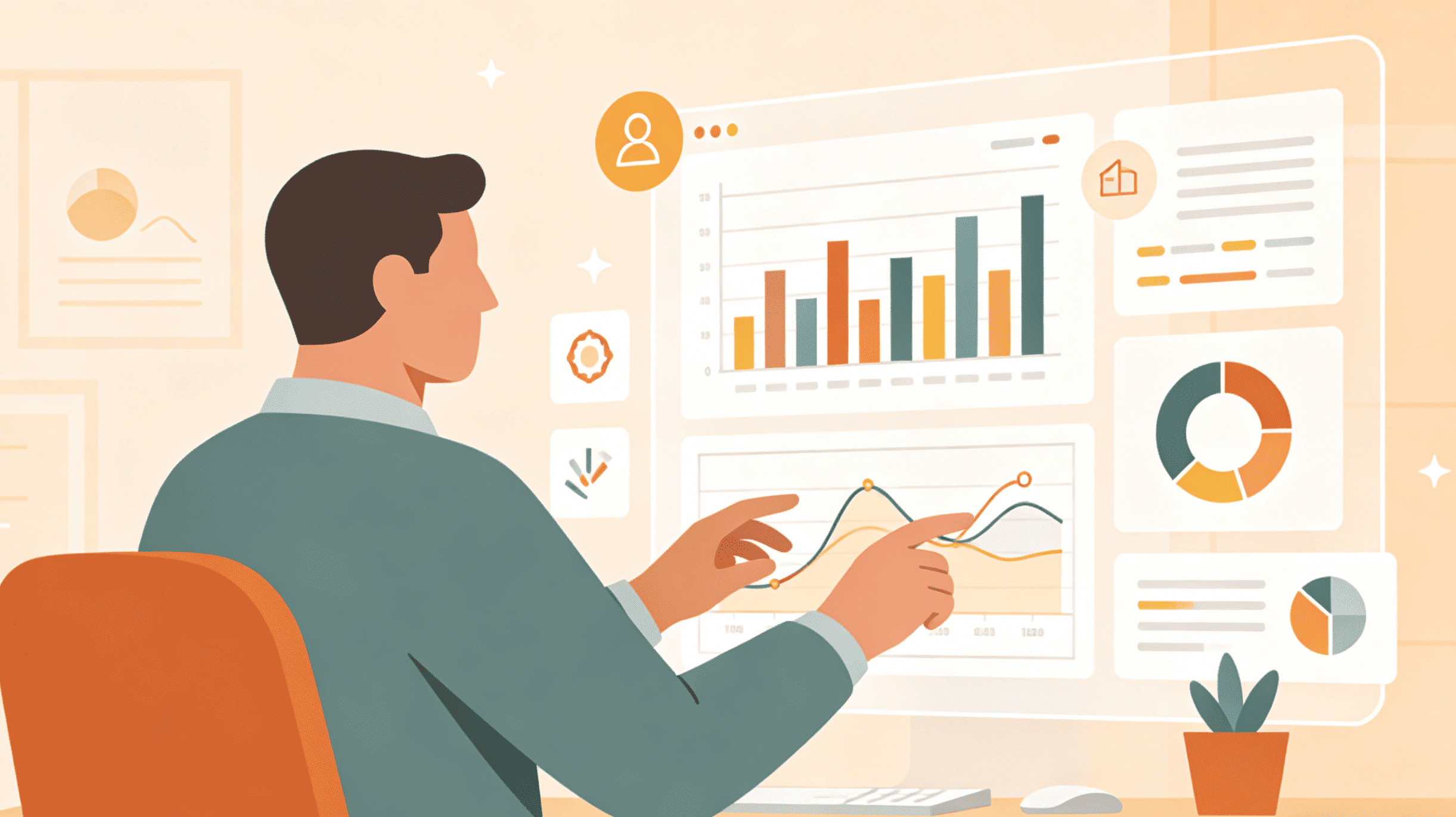
Data is useless if it cannot be understood at a glance. The reporting tools—specifically the pie charts and bar graphs—serve as a mirror for one's life. It is common for users to discover that a task they perceived as taking "ten minutes" actually consumes forty minutes of their morning. Or, conversely, that they are spending far less time on high-priority goals than they imagined.
These insights allow for informed adjustments. If the weekly report shows that 40% of time is spent on "Emails and Communication," it may be a sign to batch those activities or seek automation. If "Leisure" is taking up more space than "Health and Fitness," the data provides the necessary nudge to rebalance. These reports can be exported in CSV format, allowing for further analysis in spreadsheets or integration into larger professional reports for those who need to justify their hours to clients or management.
Integration into a 2026 workflow
A productivity tool does not exist in a vacuum. It must coexist with calendars, desktops, and wearable devices. The two-way calendar sync is a notable feature for those who live by their schedule. It allows for the conversion of calendar events directly into tracked tasks, and vice versa. This ensures that the "plan" (the calendar) and the "reality" (the tracker) stay in sync.
Furthermore, the cross-platform nature—spanning iOS, Android, and Web—means that tracking doesn't stop when you leave your desk. The web dashboard offers a more comprehensive view, ideal for end-of-week reviews, while mobile widgets and watch support handle the granular, moment-to-moment logging. For teams or solopreneurs, this flexibility ensures that no billable minute is lost and no habit is ignored simply because the right device wasn't at hand.
Practical strategies for different roles
The Freelancer’s Perspective
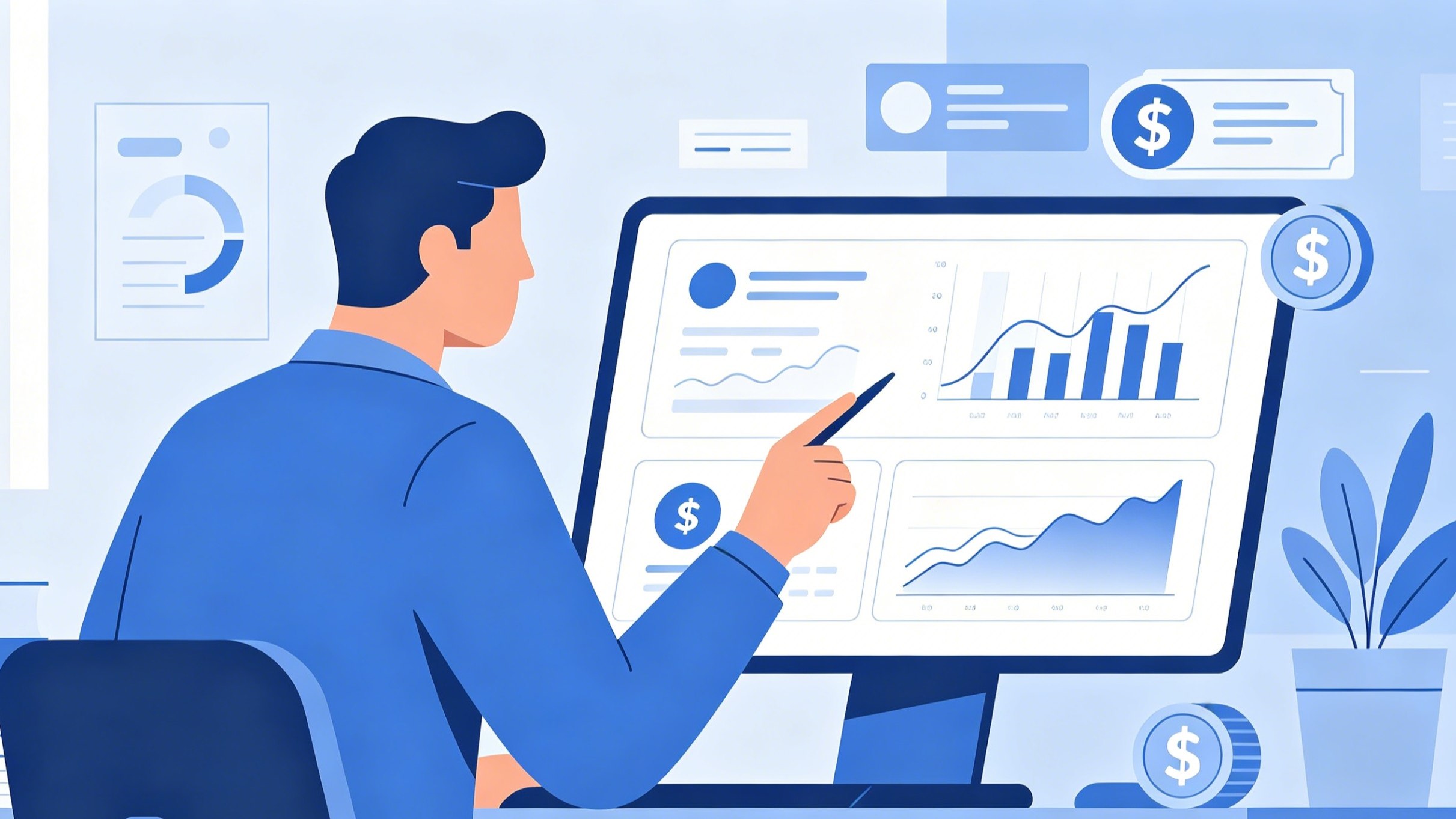
For a freelancer, time is literally money. Using the tag system to track specific clients or projects allows for accurate invoicing. Beyond billing, it helps in calculating the true ROI of a project. If a high-paying client requires so much communication that the effective hourly rate drops below a smaller, more efficient project, the tracker will reveal this discrepancy. It moves the business from guesswork to data-driven decision-making.
The Student and Researcher
Academic success often depends on the quality of focus. Students can use the "Simultaneous Task" setting if they are multitasking (though not recommended for deep work) or use it to monitor their study-to-break ratio. By tracking specific modules, they can identify which subjects require more time and adjust their study plan before exam season arrives. It also helps in managing the "procrastination-by-productivity" trap, where one spends hours on easy tasks while avoiding the difficult, necessary ones.
The Habit Builder
For personal growth, the numeric tags are a hidden gem. You can track not just time, but quantities—glasses of water, pages read, or gym repetitions. This turns the app into a holistic life tracker. It’s not just about how long you spent at the gym, but how productive that time was. Over months, this creates a comprehensive library of personal growth data that can be used to optimize health and wellness routines.
Navigating the learning curve and avoiding common pitfalls
While the application is designed to be intuitive, there is a learning curve associated with any new system. New users often make the mistake of trying to track every single minute of their day from day one. This often leads to "tracking fatigue." A more sustainable approach is to start with three to five major categories and gradually add granularity as the habit of logging becomes second nature.
Another pitfall is obsessive tracking. The goal of using a tool like atracker is to gain freedom, not to become a slave to the stopwatch. It is perfectly acceptable to have "untidied time" or blocks of the day that are not strictly categorized. The data should serve you; you should not serve the data. Periodically reviewing the task list and removing icons or categories that are no longer relevant keeps the interface clean and the mind focused on current priorities.
The value of the pro and premium tiers
While the free version offers enough functionality for basic logging, the pro and premium options are designed for those who require a deeper level of integration. Features such as unlimited tasks, ad-free interface, and data export are generally considered essential for professional use. The premium subscription, which includes the web dashboard and advanced sync, is particularly valuable for those who spend significant time working across different environments. In the context of 2026, where data portability is a standard expectation, the ability to access your productivity history from any browser is a significant advantage.
Customization and the Quantified Self
The ability to customize the UI with different skins, hundreds of icons, and dark mode settings might seem aesthetic, but it serves a functional purpose. A tool that is pleasant to look at and easy to navigate is a tool that you are more likely to use. In the "Quantified Self" movement, personalization is key. When your tracker feels like a personal dashboard tailored to your specific life, it transitions from being an external app to being an extension of your memory.
As we look at the remainder of the year, the importance of self-regulation and time-awareness will only increase. Tools that provide clarity without adding complexity are rare. By utilizing the structured yet flexible framework of atracker, anyone from a busy parent to a corporate executive can begin to reclaim their schedule. It is not about working more hours; it is about ensuring that the hours you do work are directed toward what truly matters.
In conclusion, the path to better productivity is rarely found in a single "hack" or a sudden burst of motivation. It is built through the consistent application of small habits and the willingness to look honestly at how we spend our days. Whether your goal is to grow a business, master a new skill, or simply find more time for leisure without the guilt of unfinished tasks, a disciplined approach to time tracking offers a clear way forward. The data provided by this system doesn't just show where you've been; it lights the way to where you want to go.